

Your AI Notetaker Is Listening. Here's Who Else Is, too.
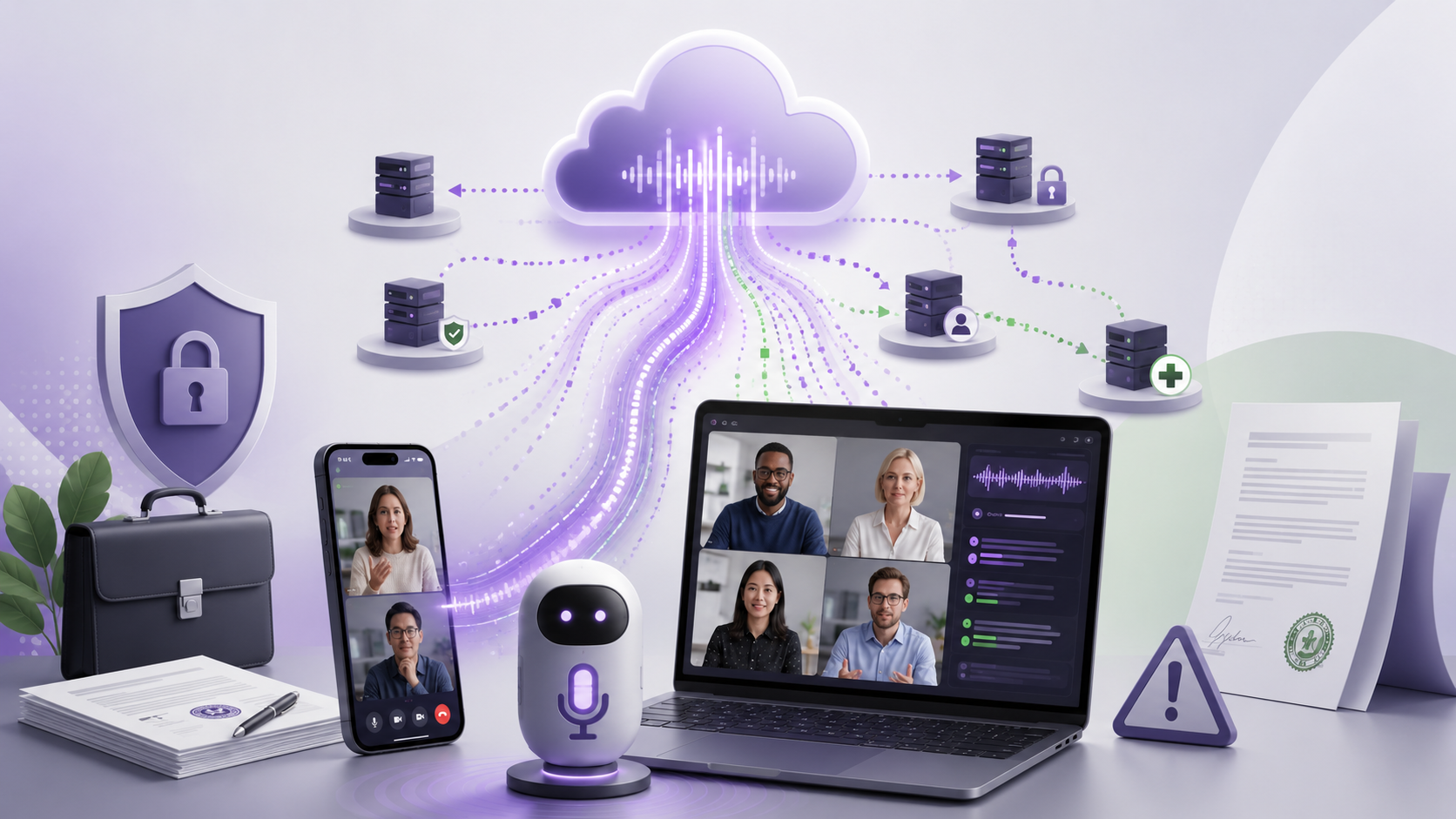
If it's on your phone, it must be private. Right?
Not likely.
Many digital/AI notetakers, dictation apps, and meeting bots are pipes. They capture audio on your device and send it to a cloud server, where one model processes it, often a different model processes it again, and the resulting transcript lands in storage you've never seen. Clicking an icon in your dock doesn't mean the data stayed there. It means the data was politely escorted off your machine and onto someone else's.
What you're actually agreeing to
We just finished a deep audit of 13 of the most popular AI notetaking, dictation, and transcription tools. The pattern is clear:
Otter.ai uses de-identified user data to train its AI models, and it is also facing litigation over allegations that meeting participants were recorded without proper consent. What counts as “proper consent” depends on where the people on the call are sitting. In a handful of all‑party consent stateslike California, Florida, Illinois, Maryland, Massachusetts, Pennsylvania, and Washington, everyone on the call generally has to agree to being recorded. Most other U.S. states, including New York, only require one party’s consent, so the same bot workflow can be fine in New York and a statutory problem in California.
Notta has been publicly described as using some customer transcript data for AI training, with stronger controls tied to Enterprise arrangements.
Read.ai and similar meeting bots raise a different operational problem: teams often do not have a clean handle on whether bots are fully removed from meeting, calendar, and conferencing integrations after they think they have been disabled.
Even the well-behaved tools (and a few of them are genuinely well-behaved) may still ship data to multiple subprocessors before a transcript ever reaches you. That chain of custody matters far more than most people realize.
Why this isn't an IT problem
Here's where it gets sharp.
If you're a lawyer recording a privileged client conversation through a notetaker that transmits it to a third-party processor without the right contractual and confidentiality protections, you may have created a privilege fight you did not need. In the worst case, you may have handed opposing counsel an argument that the transcript should not be treated as protected.
The same logic creates risk for:
HIPAA protections when a clinician transcribes a patient encounter through a tool with no signed Business Associate Agreement.
Deal confidentiality when an M&A call is summarized by a tool that was never approved under the NDA, never reviewed for retention, and never cleared for who can access or process the data.
Trade secret status when sensitive internal information is handled by a vendor whose terms reserve rights to use de-identified content.
GDPR / CCPA posture when EU, UK, or California user data is captured, transferred, retained, or processed without the right DPA, SCCs, retention terms, or deletion rights.
The courts have noticed. Recent litigation, the Otter class action, and a wave of guidance memos from firms like Foley & Lardner, A&O Shearman, and Orrick all point in the same direction: the gold-rush era of "just turn the bot on" is ending.
What good actually looks like
Two things separate the safe tools from the risky ones — and neither is the marketing page:
The contract you sign by default. Fathom publicly incorporates a HIPAA Business Associate Agreement into its Terms when HIPAA applies. That is rare. Most vendors gate the BAA behind a sales call and an enterprise contract, which means most users are operating uncovered.
Where the information actually goes. Some tools are built around on-device processing or reduced retention modes. Those are architectural choices, not just policy promises — and architectural choices are far more meaningful when the meeting content is sensitive.
If a vendor can't tell you, in one paragraph, who processes your audio, where it's stored, for how long, and what it's used for — assume the worst.
Three questions to ask before the next bot enters the room
Memorize these. Ask them before you accept the meeting invite that lets the AI in:

Does this tool train on my content by default? If yes, on which tier can I turn it off — and is that the tier I'm on?
Is there a BAA, DPA, or equivalent I can actually sign? If it's gated to enterprise and you're not on enterprise, your data is uncovered.
What subprocessors see my audio after I hit record? OpenAI? Anthropic? A speaker-ID vendor in another jurisdiction?
If the answer to any of those is "I don't know" — the answer is no.
At Fox + Spindle, we spend a real chunk of our week helping clients answer exactly these questions about the tools already running on their team's machines, and quietly removing the ones that shouldn't be there. If you have no idea what your stack is doing with your meetings, that's worth a 30-minute conversation. We'll tell you what's safe, what's gated behind a tier you don't have, and what to pull off the team's laptops this week.
The bot is not your colleague. The bot is a contractor with subcontractors — and they all signed something you didn't read.
Sources
Otter.ai, Privacy & Security: https://otter.ai/privacy-security
Fathom AI, Terms of Service: https://www.fathom.ai/terms
Fathom AI, Business Associate Agreement: https://www.fathom.ai/baa
LAist, "Class-action suit claims Otter AI secretly records private conversations": https://laist.com/news/class-action-suit-otter-ai-secretly-records-conversations
Atomic Scribe, "The Otter.ai Lawsuit: Why Human-Powered Transcription Has Never Been More Important": https://atomicscribe.com/the-otter-ai-lawsuit-why-human-powered-transcription-has-never-been-more-important/
Notta pricing: https://www.notta.ai/en/pricing
tl;dv blog, "Honest Notta AI Review (2026)": https://tldv.io/blog/notta-ai-review/